How to add proxyaddresses to multiple Active Directory users with Powershell
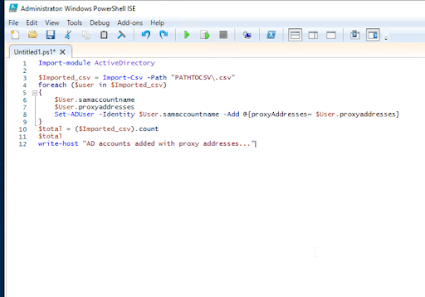
I did a cutover to a new domain and had to merge proxy addresses to existing users. Ill do a better write up later but here is the script I used(Thanks Google).
It just needs two columns in the .csv. samaccountname and proxyaddresses. The proxyaddresses must be in smtp:user@domain.tld and the samaccountname is just the windows sam name. It will post any errors in powershell as it rolls.
Script:
Import-module ActiveDirectory
$Imported_csv = Import-Csv -Path "PATHTOCSV\.csv"
foreach ($user in $Imported_csv)
{
$User.samaccountname
$User.proxyaddresses
Set-ADUser -Identity $User.samaccountname -Add @{proxyAddresses= $User.proxyaddresses}
}
$total = ($Imported_csv).count
$total
write-host "AD accounts added with proxy addresses..."


Comments
Post a Comment